Tracking an Order
Current Orders
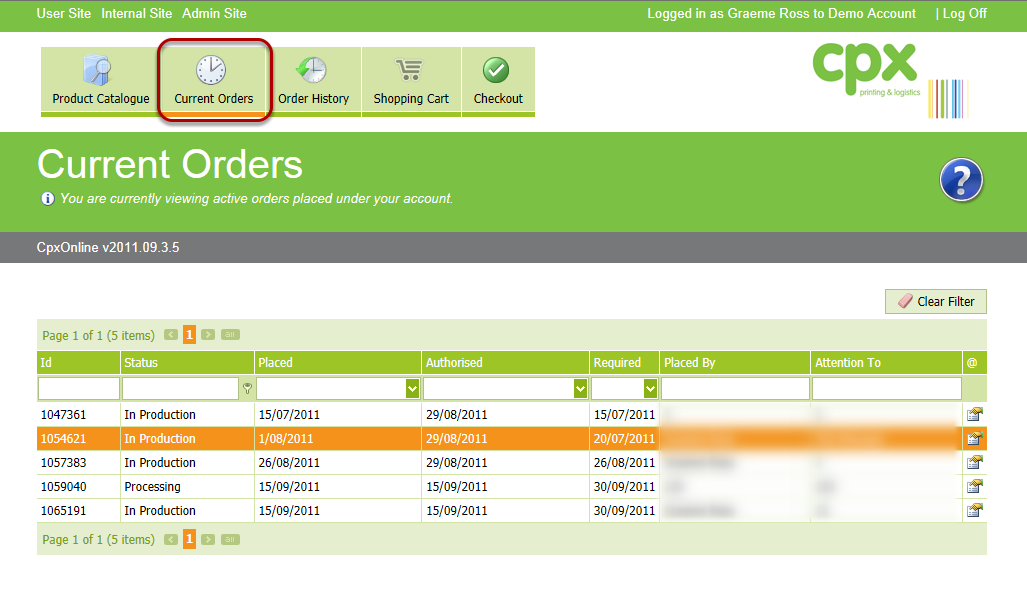
This screen displays your active orders, to see more information about an order press the details button, if your order is not listed here it will be on the Order History screen.
Order Details - Status
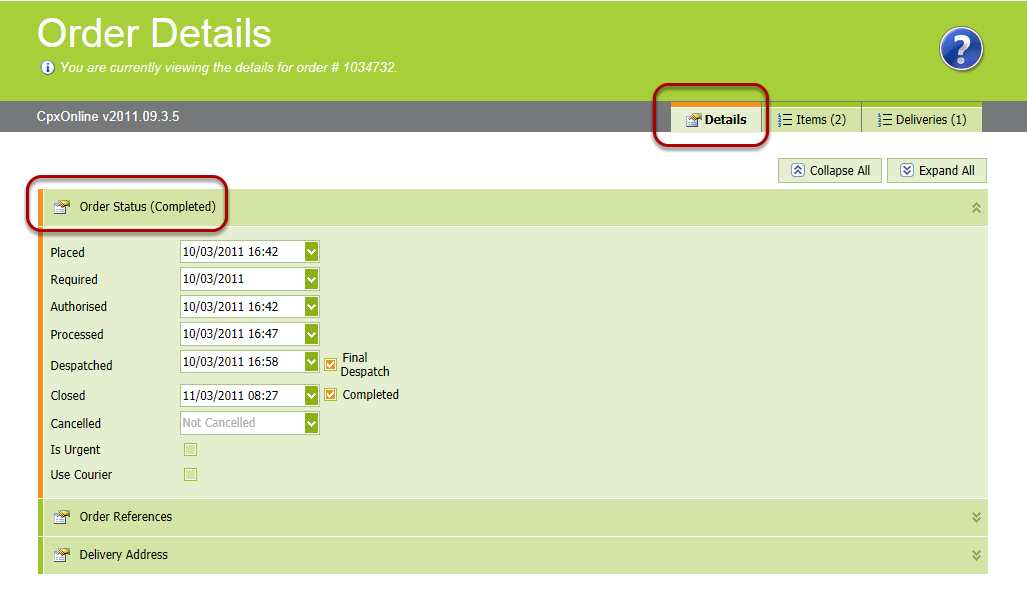
Show you the current status of the order as well as when each event occurred.
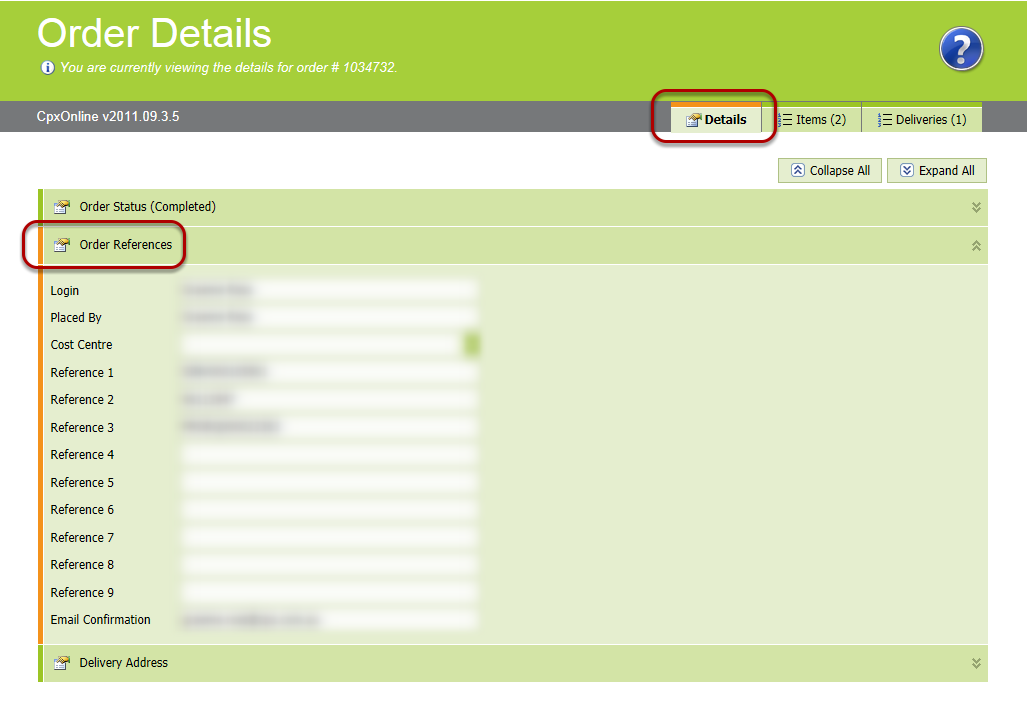
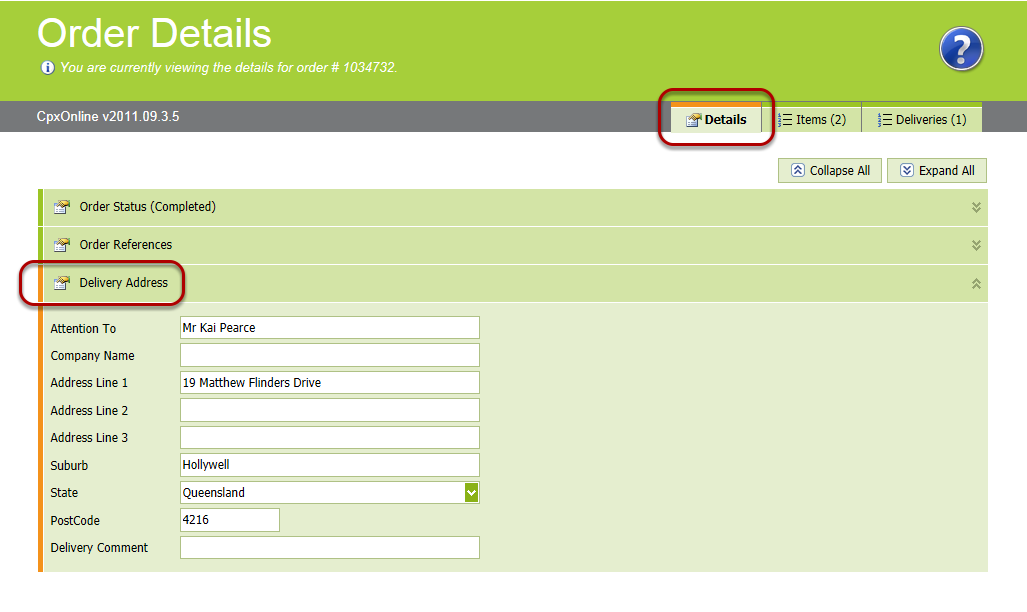
Order - Deliveries

The deliveries tab displays each delivery that has been made and the items that were on that delivery. It also show courier specific information and references to allow you to further track your order via the couriers website (a link is provided)