Ordering Standard Products
In this tutorial you will be shown how to add a product to your shopping cart.
Open the Product Catalogue

Find a Product
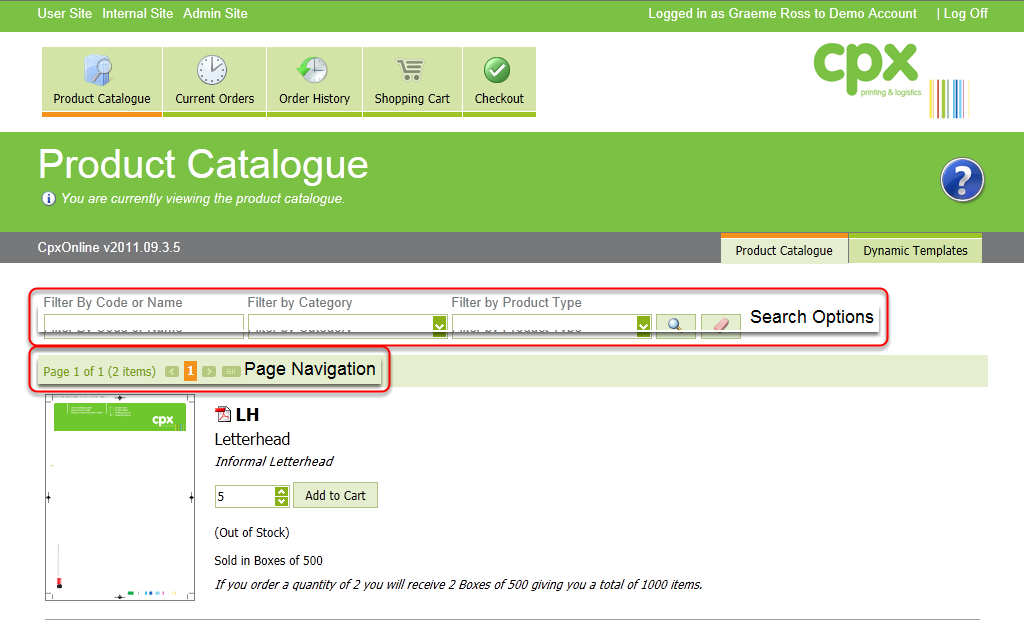
To locate the product you can use the search options if you know the name, code or type of product, or you can use the page navigation buttons to browse the entire catalogue.
Add the product to your shopping cart
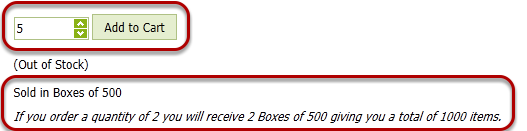
Adjust the quantity box to the number of items you require and press the Add to cart button, please take into account the size of the pack to ensure you receive the correct amount.
Locate any other products you require and add them to your cart as well.